Google Business Profile Verification for Cleaning Companies Without an Office
Why Google keeps rejecting cleaning companies that use a virtual office address, and how to set up and verify a service area business profile the right way.
Most cleaning companies don't have a storefront. The owner runs the business from home or a truck, the crews work at client sites, and nobody ever visits an office. That's normal, and Google has a setup made for it. But it's also why Google Business Profile verification for cleaning companies goes wrong so often. Owners try to look established by listing a virtual office or a mailbox suite, Google rejects it, and the profile ends up stuck.
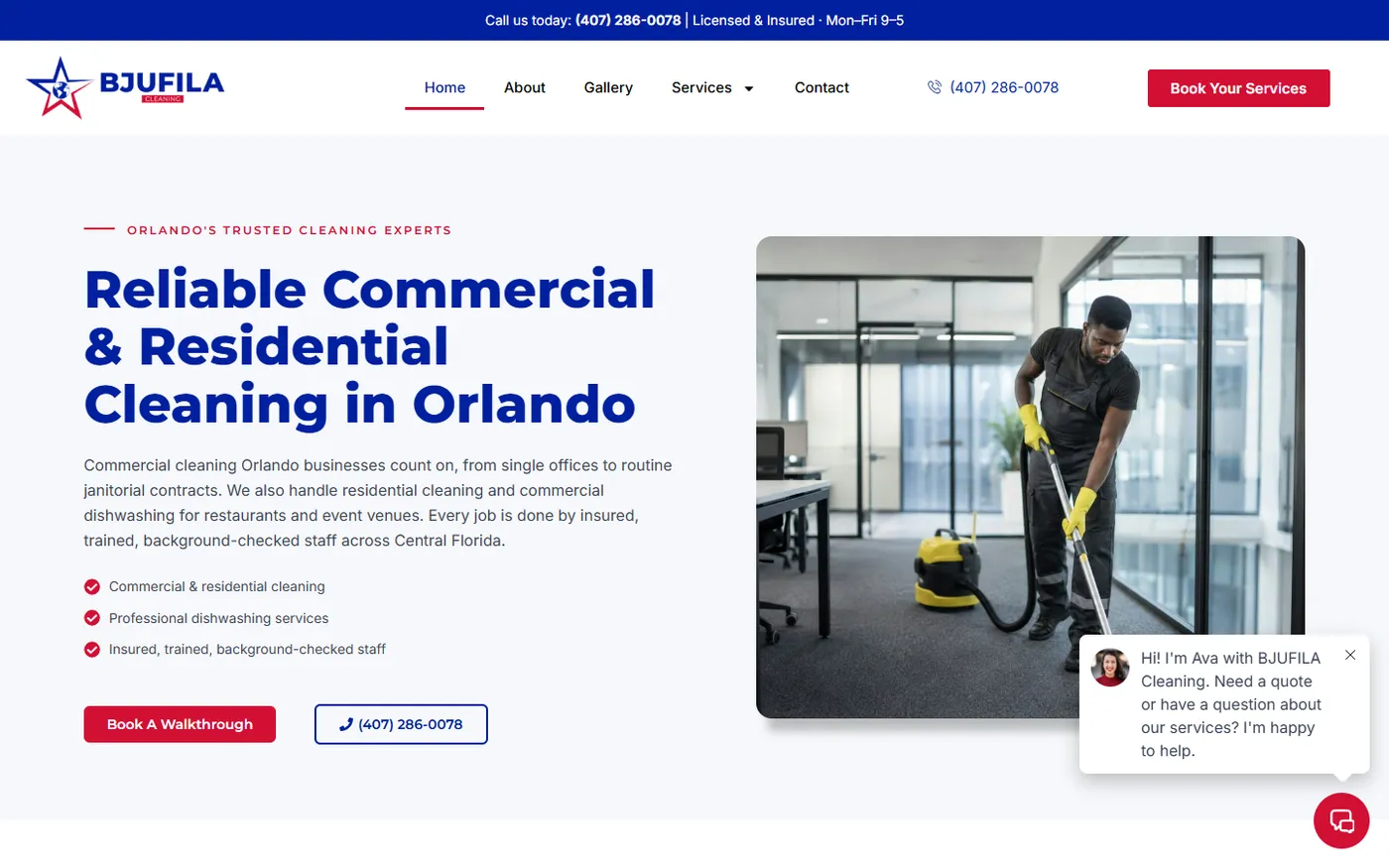
We worked through this with BJUFILA Cleaning, a commercial cleaning and dishwashing company in Orlando. This post covers what went wrong, what Google actually allows, and the steps that got the profile verified.
Why Google rejects virtual office addresses
Google's rules for Business Profiles are strict about addresses. A business qualifies for a profile in one of two ways: it has a location customers can visit during its stated hours, or it travels to its customers. Cleaning companies almost always fall into the second group.
What doesn't qualify:
- Virtual offices and "executive suite" addresses you rent to receive mail
- Mailboxes, including private mailbox services with a suite number
- Coworking spaces, unless the business has its own signage there, staff on site, and customers can actually walk in during business hours
When a profile uses one of these, verification tends to fail. Sometimes Google rejects it outright. Sometimes it verifies the profile and then pulls the verification later. Either way, the profile can't show in Maps the way it should, and every attempt makes the next one harder.
What happened with BJUFILA
When BJUFILA came to us, the business had used two different virtual office addresses. The website showed one, the Google profile showed the other, and Google had rejected verification so many times that the profile offered no more ways to verify.
The rest of the profile had problems too. It was listed under house cleaning, even though most of the work was commercial, and it had no website linked. None of that was worth fixing until verification was sorted out, because an unverified profile doesn't show properly in Maps.
Here's what we did:
- We opened a case with Google Business Profile support. The support rep confirmed the business was eligible and could verify by live video.
- We moved the profile to a service area business. The address on file became the owner's real address, kept hidden from the public. The service area was set to the parts of Orlando the crews actually cover.
- We completed the live video verification. The profile was verified at the end of July 2026.
- We made the address consistent everywhere. The state business filing was updated to match, so Google wasn't seeing one address on the profile and another in public records.
With verification done, the profile's services, description and service area could be cleaned up, and posts could go live.
It wasn't a one-time fix. In September Google asked for reverification again, and a duplicate listing under the old category turned up in Maps. That's common. Old data about a business sticks around in directories and filings, and Google keeps cross-checking it. If you've used virtual offices in the past, expect to clean up after them for a while.
You can read the full project in the BJUFILA Cleaning case study.
How to set up a service area business Google Business Profile
If your cleaning company doesn't have a public office, this is the setup to use.
Use your real address and hide it
When Google asks for your business address, give the real one, even if it's your home. Then choose the option to not show the address to customers. A service area business Google Business Profile still needs an address on file for verification. It just doesn't display it.
Don't use a P.O. box, a UPS Store box, or a rented virtual office to avoid listing your home. That's the exact situation that gets cleaning companies stuck.
Set a realistic service area
List the cities or ZIP codes you actually serve. Google's guidance is to keep the service area within roughly two hours' travel of where you're based. Listing an entire state, or cities you've never worked in, won't help you rank there, and it can make the profile look less trustworthy.
Pick the right primary category
For commercial work, check what's ranking in the map pack for the searches you care about. In most markets that means "Janitorial service" or "Commercial cleaning service." If your profile is listed as "House cleaning service" and you want office contracts, you're competing in the wrong category. Add secondary categories for the other work you do, but keep the primary one tied to where most of your revenue comes from.
Keep your details identical everywhere
Your business name, phone number and service area should match across your website, your Google profile, Yelp, the BBB, your state filing and any directories. Mismatched addresses and phone numbers are a common reason Google holds back a profile or asks for reverification.
What to expect from video verification
If Google asks you to verify by video, it wants proof that you're a real business at the location you gave and that you're the one managing it. Be ready to show things like:
- Your business equipment, supplies or a branded vehicle
- Something that ties you to the business, such as signage, business documents or tools you use for the work
- The area outside the address, so Google can match it to the location on file
Record it in one continuous take, in daylight if you can. If the first attempt is rejected, contact support before trying again. They can tell you what was missing.
After verification: what actually helps a cleaning company rank
A verified profile can show up in Maps. Moving up takes more work.
Reviews come first. Ask every satisfied client and reply to every review. The companies at the top of the map pack in your area usually have noticeably more reviews than the ones below them, and you can check that yourself in a minute.
Then finish the profile: services with descriptions, a clear business description, real photos of your crews and equipment, and accurate hours. Post something short every week or two so the profile stays active.
Last, make sure your website backs it up. Build a page for each service and each main city you serve, and link the site from the profile. Google uses the site to understand what the profile is about.
If you're working on the commercial side, our guide on how to get commercial cleaning contracts covers what facility managers check before they call you back, and a verified profile with good reviews is near the top of that list.
Frequently asked questions
Can I use a virtual office for my Google Business Profile? No. Google doesn't allow virtual offices or mailbox addresses as a business location. Profiles that use them often fail verification or lose it later. A cleaning company should use its real address and hide it as a service area business.
Will hiding my address hurt my rankings? Hiding the address doesn't stop a service area business from ranking in Maps. Your verification, category, reviews, profile activity and website matter much more. What does hurt is an address Google can't trust.
What should I do if Google says there are no more ways to verify? Contact Google Business Profile support and explain the situation. If your business is eligible, support can often open a live video verification. Fix the address issue first, so you aren't asking them to verify the same problem again.
Why did Google ask me to reverify a profile that was already verified? Usually because something changed or looked inconsistent: a new address, a different phone number, a big edit to the business name or category, or conflicting details in other listings. Keep your information the same everywhere and avoid large changes all at once.
Need help with your profile?
We set up and fix Google Business Profiles as part of our commercial cleaning marketing and local SEO work. Take a look at our portfolio to see recent projects, or book a call and we'll look at your profile with you.